
Chrome · macOS + Windows

WANT!

An agentic fashion workflow that turns any outfit you spot online into a shoppable look you can try on yourself.

Install WANT!
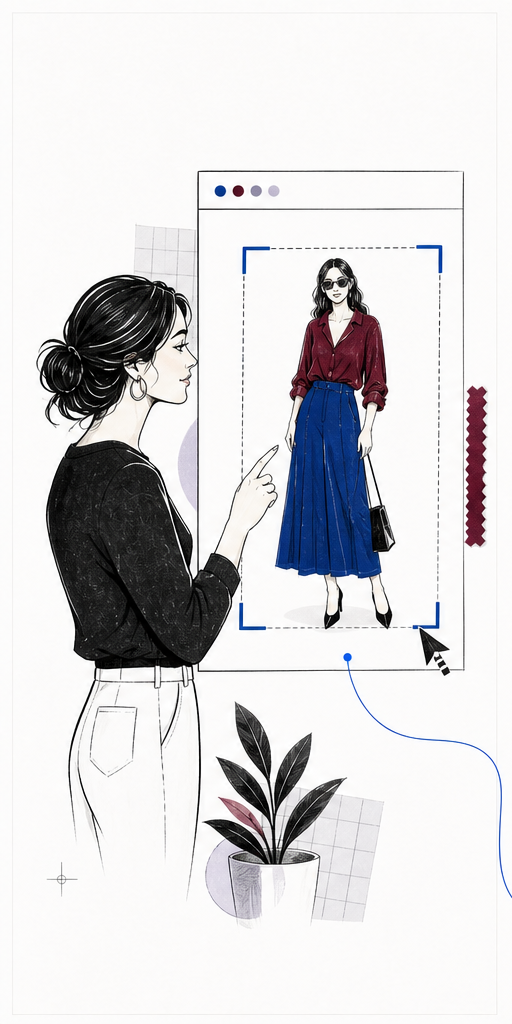
Select an outfit from anywhere online
Grab the look Box an outfit on any page or upload an image.
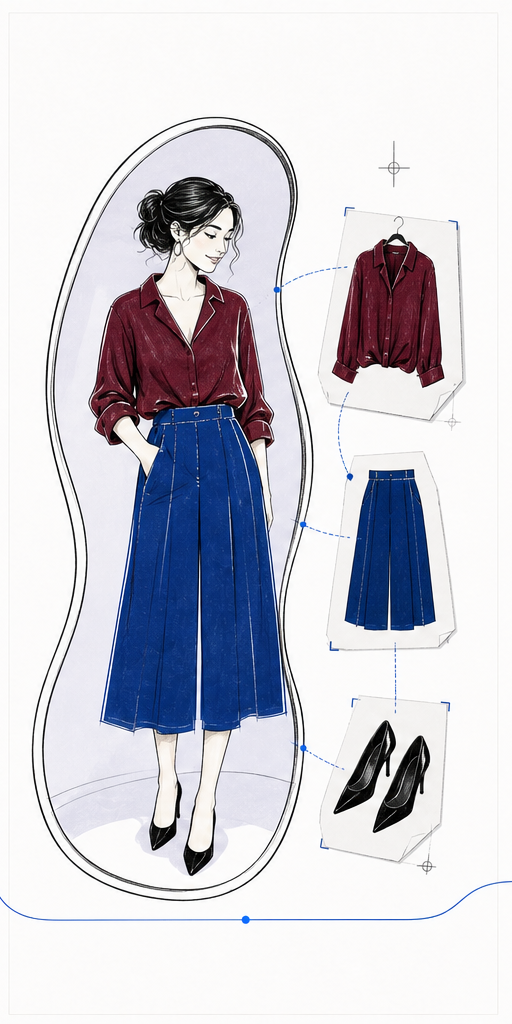
Try the selected outfit on yourself
Try it on See the selected clothing on your own photo.
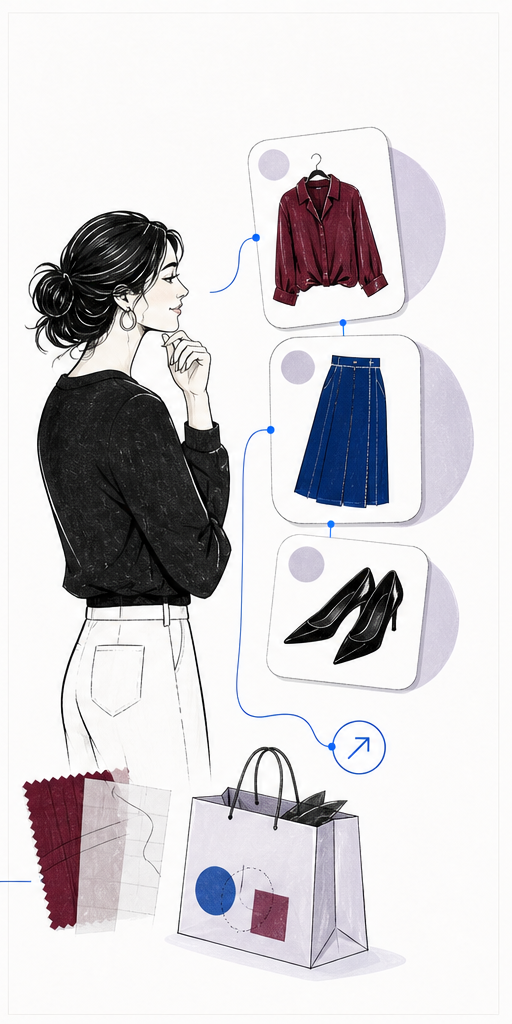
Open and buy the real products
Get the outfit Open real products directly at their stores.

One path · about a minute

Install WANT!

  1. 1

    Download the installer

    No backend setup or API keys required.

    Download for macOS

    Other system: macOS Windows

  2. 2

    Run it

    Open the ZIP, then open install-want.command. It downloads WANT!, copies its folder path, and opens Chrome Extensions.

  3. 3

    Approve it in Chrome

    Turn on Developer mode, choose Load unpacked, press Command + Shift + G, paste the copied path, and select the folder.

  4. 4

    Open WANT!

    Add your full-body photo once. Then use the extension anywhere on the web.

    Alt+Wopens and closes WANT!